Possible malware
Unexpected security alerts or suspicious activity are a reason to stop and get professional guidance.
Practical IT help, from quick fixes to expert support
Clear troubleshooting for the everyday stuff, with an IT consultant to turn to when a problem persists or needs careful attention.
For individuals and small businesses across the U.S.
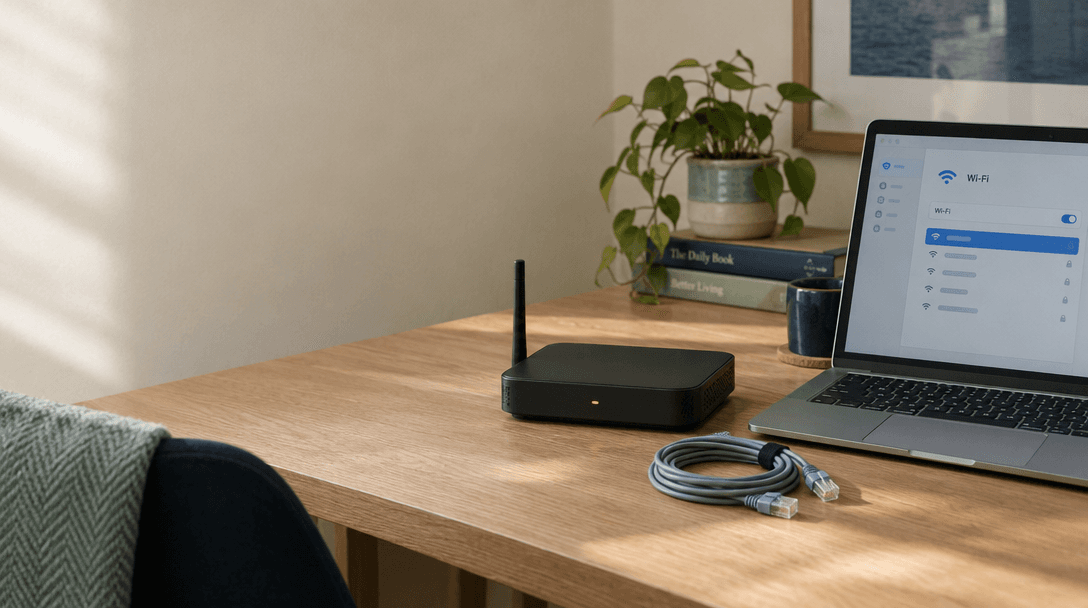
A practical first guide
Try these low-risk checks one at a time. If this is a small-business network managed by someone else, ask them before changing its settings.
Check whether another device can get online. If just one device is affected, turn its Wi-Fi off and back on, then reconnect.
Make sure the router and modem are powered on and their cables are seated. Check your internet provider’s outage page if available.
Follow your provider’s or router maker’s restart instructions, then give the connection time to come back before testing again.
DIY has a limit
Pause routine troubleshooting when security, important files or hardware may be at risk.
Unexpected security alerts or suspicious activity are a reason to stop and get professional guidance.
Avoid cleanup or recovery steps that could overwrite data. Talk with an IT consultant about what to do next.
Damage, overheating or unusual device behavior calls for a professional assessment before more troubleshooting.
IT consulting
Tell us what’s happening, what device is involved, and what you’ve already tried. ByteHarbor can help you figure out a sensible next step.
Please don’t include passwords, sign-in codes or sensitive files in your email.